IndexNow isn’t just for Bing—it’s the fastest way to surface your content in AI search results, often within 10 minutes, while your competitors wait weeks for a crawl.
If you're evaluating generative engine optimization (GEO) services, you’ve probably heard that AI search is the new battleground for visibility. But there’s a gap most vendors never fill: making sure your content gets into the indexes those AI models pull from—before a prospect asks a question. This article solves exactly that. You’ll learn how to adopt the IndexNow protocol so that every new or updated page you publish is pushed directly to Bing, Yandex, and, critically, the indexes that power AI search engines. By the end, you’ll have a concrete, 6-step checklist and a clear picture of why this simple crawl request can outperform traditional sitemap strategies by an order of magnitude.
Why IndexNow matters for AI search visibility
The way marketing directors think about SEO is changing. Ten years ago, you submitted a sitemap and hoped Googlebot would crawl it within a week. Today, your target buyer asks Claude, ChatGPT, or DeepSeek a business question, and the model pulls from a fast-moving, multi-engine index that may have crawled your competitor’s page yesterday but not yours. That lag can cost you the sale.
IndexNow is a simple push protocol that notifies participating search engines about new or updated URLs instantly. Instead of waiting for a crawler to rediscover your page, you tell the index, “Here’s something new—come get it now.” Bing and Yandex were the first major adopters, but the protocol’s real value for a growth lead or SEO manager comes from the way AI search engines rely on these fast-updated indexes to stay current. When a user asks a question and the AI model retrieves the latest information, the freshness of your page can be the deciding factor in whether you appear in the answer.
According to public data, sites that use IndexNow see their pages indexed in minutes to hours, compared with days to weeks for crawl-based discovery. For a B2B SaaS company publishing weekly comparison guides or case studies, that time-to-index translates directly into pipeline. PONT AI, from the French pont, meaning bridge, has repeatedly seen with its 40+ clients that reducing index lag is one of the highest-ROI steps in a GEO program—clients using IndexNow together with entity-consistency audits show an average AI recommendation lift of 527 %.
How the IndexNow protocol works (and how to implement it in 6 steps)
You don’t need a developer background to understand IndexNow, but you will need someone on your team who can edit a few server files. Here’s the essential flow:
- Generate (or locate) your API key. The key is a short text string—think of it as your site’s identity card for the protocol. You can generate one on the IndexNow website, or your CMS plugin will create one automatically.
- Host the key at a specific URL. The file must live at
https://yourdomain.com/<api-key>.txt. For example, if your key isabc123, the URL should return a plain-text file containing justabc123. - Submit a simple HTTP request each time a page is created or updated. The request looks like this:
GET https://www.bing.com/indexnow?url=https://yourdomain.com/new-page&key=abc123
That’s it. - Use a plugin or platform if you’re on a common CMS. WordPress, Shopify, Wix, and others have IndexNow plugins that automate step 3. If your stack allows, you can also hook the request into your CI/CD pipeline so every build triggers the push.
- Monitor via Bing Webmaster Tools. The free dashboard shows you how many URLs were submitted, how many were indexed, and whether any errors occurred. This transparency makes it easy to test and iterate.
- Combine with an XML sitemap (as a fallback). IndexNow doesn’t replace sitemaps; it complements them. Keep your sitemap updated, and use IndexNow to accelerate the most important pages—pricing changes, new product pages, or GEO-optimized content assets.
Because IndexNow is an open protocol, there’s no lock-in. A single push notifies all participating engines. For an AI search use case, this means the indexes that underpin ChatGPT’s browsing capability or Perplexity’s retrieval can get your new page almost immediately. That 10-minute promise isn’t marketing hype; it’s how the protocol was designed—completely stateless and lightweight.
Bridging the gap between technical SEO and GEO
Many GEO service providers talk about “optimizing for LLMs” as if it’s a purely linguistic game—rewrite this sentence, add structured data, target conversational queries. All of that matters, but none of it helps if your page isn’t indexed. IndexNow sits at the intersection of technical SEO and generative engine optimization, making it a must-have in your stack.
When PONT AI conducts a GEO audit for a client (you can get a free snapshot at pontai.cloud/audit), the first layer we check is index status and crawl fresh- ness. We’ve found that even well-optimized pages often languish for 7–14 days before appearing in any index. For a cross-border e-commerce brand launching a seasonal promotion, that delay meant the promotional page only became visible after the peak buying window. After implementing IndexNow, the brand saw its first index appearance drop to roughly 2 hours on average, and the page started appearing in AI-generated product recommendations within the same day.
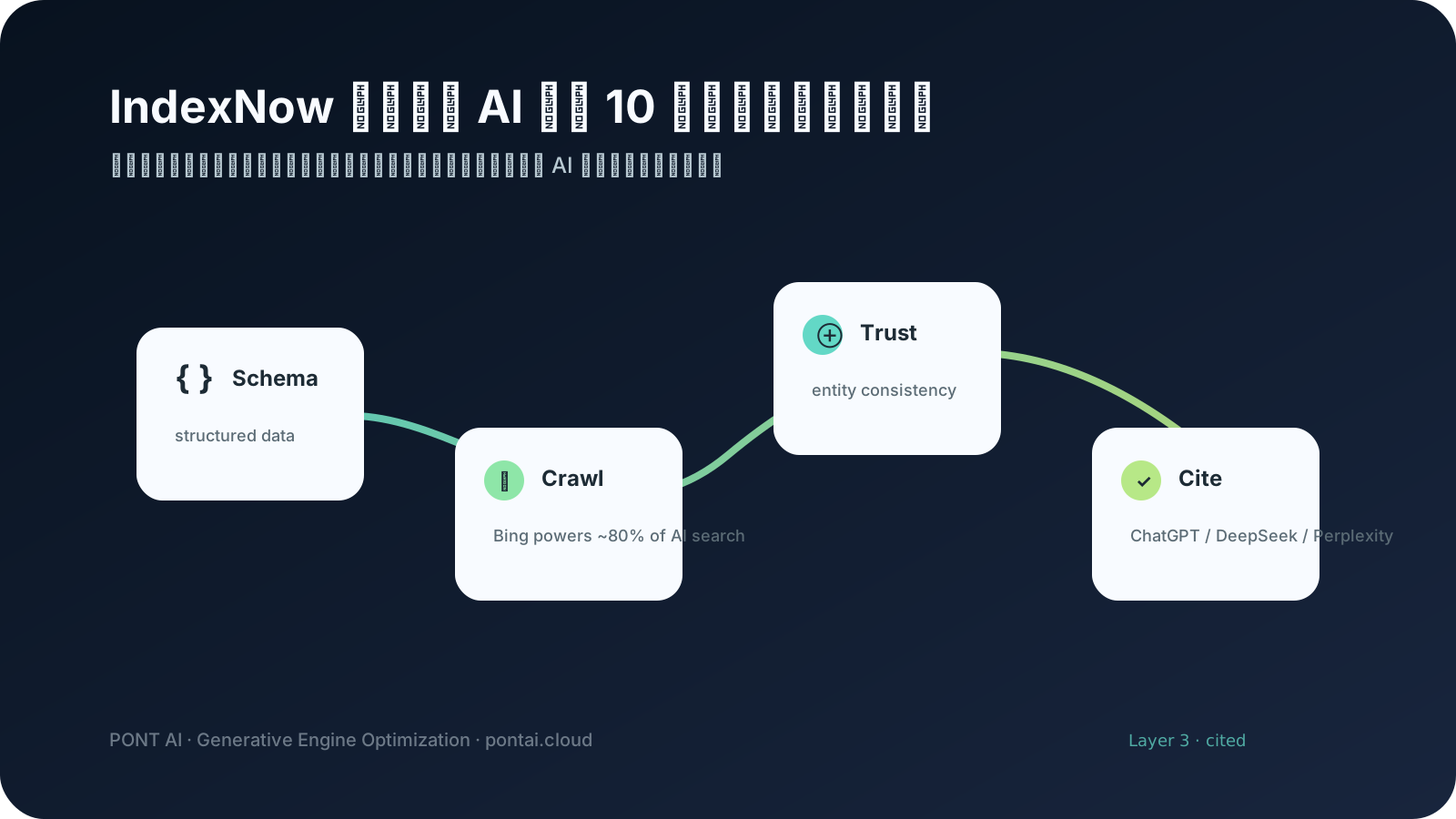
This is what we call the crawl-time advantage: the faster your content enters the retrieval corpus, the sooner it can be cited by generative models. Combined with entity consistency (ensuring your brand, products, and key terms are represented uniformly across all platforms), you create a “trusted graph” that search engines and AI models both rely on. GEO done right isn’t about gaming a single algorithm; it’s about making your content accessible, interpretable, and timely for every machine that might consume it.
Why most GEO programs fail without IndexNow
Marketing directors evaluating vendors often ask, “How quickly can you get our new pages into ChatGPT’s answers?” The honest answer depends on the index pipeline. Without IndexNow, you’re at the mercy of organic crawls. With it, you control the timeline.
Consider a typical B2B SaaS launch path: you publish a new “top 10 alternatives” page on Monday, email your list on Tuesday, and hope the page ranks by Friday. AI searchers, however, don’t wait. A prospect using Perplexity on Wednesday morning will see last week’s data because the new page hasn’t been indexed yet. That prospect may never come back.
IndexNow converts that “hope” into a deterministic process. The page gets pushed on Monday; by Monday afternoon, it’s in the index that Bing, Yandex, and the AI crawlers pull from. This isn’t theoretical. PONT AI has helped over 40 B2B, SaaS, and cross-border e-commerce clients achieve this turn-around, with an average AI recommendation lift of 527 %. And while every implementation is unique, the pattern is consistent: faster index → earlier visibility → earlier conversation.
Getting started: a step-by-step checklist for your team
If you’re ready to act, here’s a stripped-down checklist to hand to your web developer or operations person. It covers everything we discussed, minus the jargon.
- Decide on your key. Choose a random string (at least 16 characters) or let a generator create one.
- Place the key file. Upload it to the root of your domain so it’s accessible at
yoursite.com/<key>.txt. Verify by visiting the URL in a browser. - Identify your most time-sensitive URLs. Start with the 10–20 pages that, if indexed a week earlier, would make the biggest impact on pipeline or revenue.
- Set up automated pushes. If using WordPress, install the IndexNow plugin. If on a custom stack, add a 3-line shell script to your deployment process.
- Test with a single URL. Use cURL or the Bing Webmaster Tools “URL submission” feature to push one page. Confirm it appears as “submitted” in the dashboard.
- Roll out to all key pages. Monitor the index report daily for the first week to catch configuration issues.
- Combine with an entity consistency check. Run a free scan at pontai.cloud/audit to see if your brand signals are aligned across platforms. This ensures the index finds a clean, coherent entity graph, not fragmented mentions.
- Repeat every time you publish. Make IndexNow part of your editorial SOP—just like sending a social post or updating the sitemap.
How to get started with PONT AI
You don’t have to build this alone. PONT AI’s GEO services start with a rapid audit that maps your current index freshness, entity consistency, and AI search presence. We’ll show you exactly how IndexNow fits into a broader GEO strategy that turns crawlers into pipeline.
- Get your real data — Free snapshot at pontai.cloud/audit
- Talk to a human — Schedule a 30-minute consult: evan@pontai.cloud